Lossless image formats
For image files produced by R code for Web publication, the two most popular options are PNG and SVG (for raster and vector, respectively). There isn’t much of an alternative to SVG, but things aren’t as clear when it comes to raster formats these days.
PNG is a raster image format with lossless compression. This makes it suitable for typical R code output: diagrams and plots with text, where there’s little tolerance for the typical smeared or blocky artefacts of lossy compression algorithms (as in JPEG, for example). PNG is a proven, widely supported format that has been around for decades. The downside is that it’s just not that great in terms of compression ratio. The files could be smaller without losing any information. We know that because newer formats like WebP, AVIF and JPEG XL prove it: they can actually compress the same content much better. These formats have a few things in common – they support both lossy and lossless compression, promising to take the roles of both PNG and JPEG, and they have more or less significant industry support behind them.
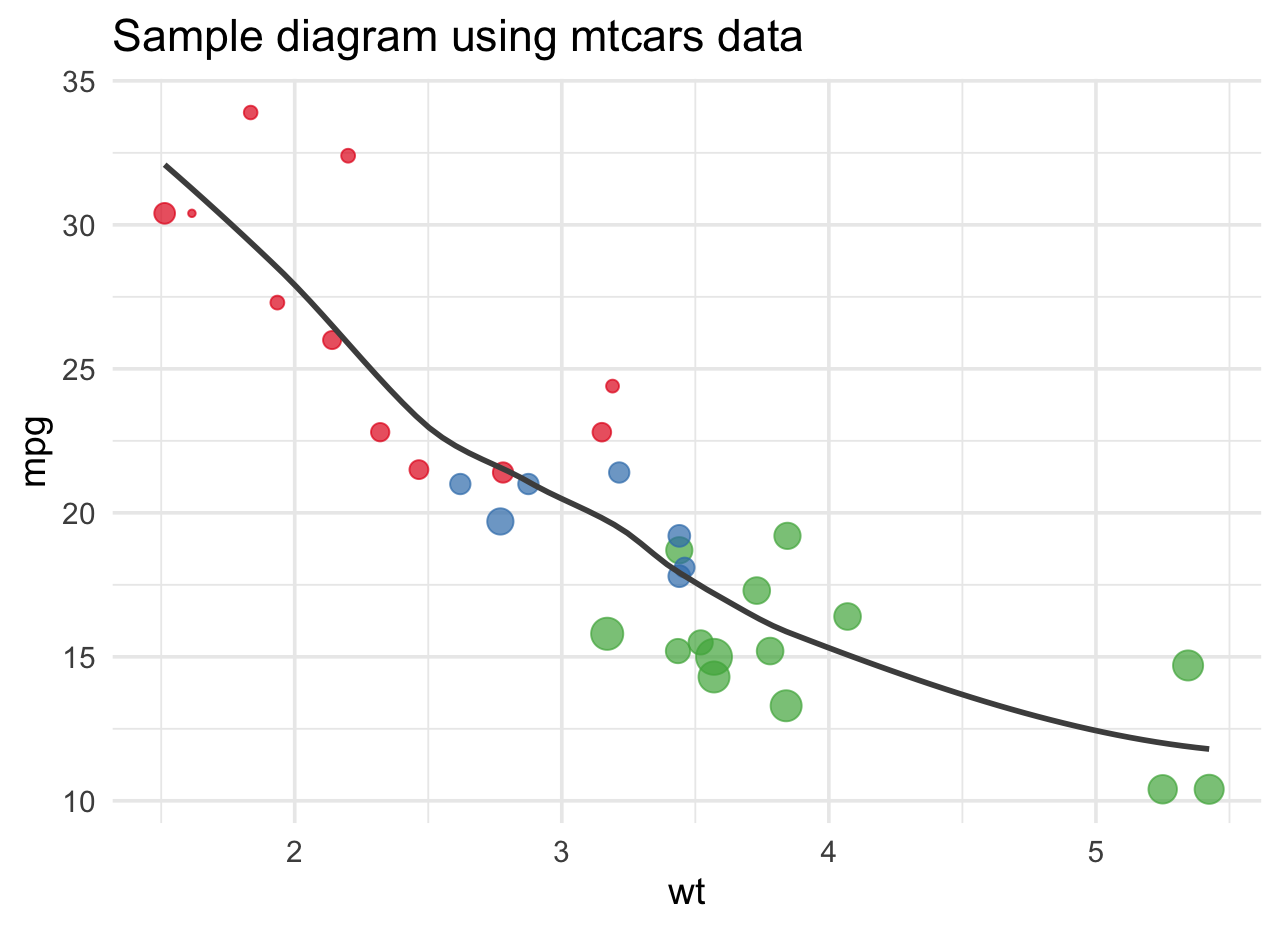
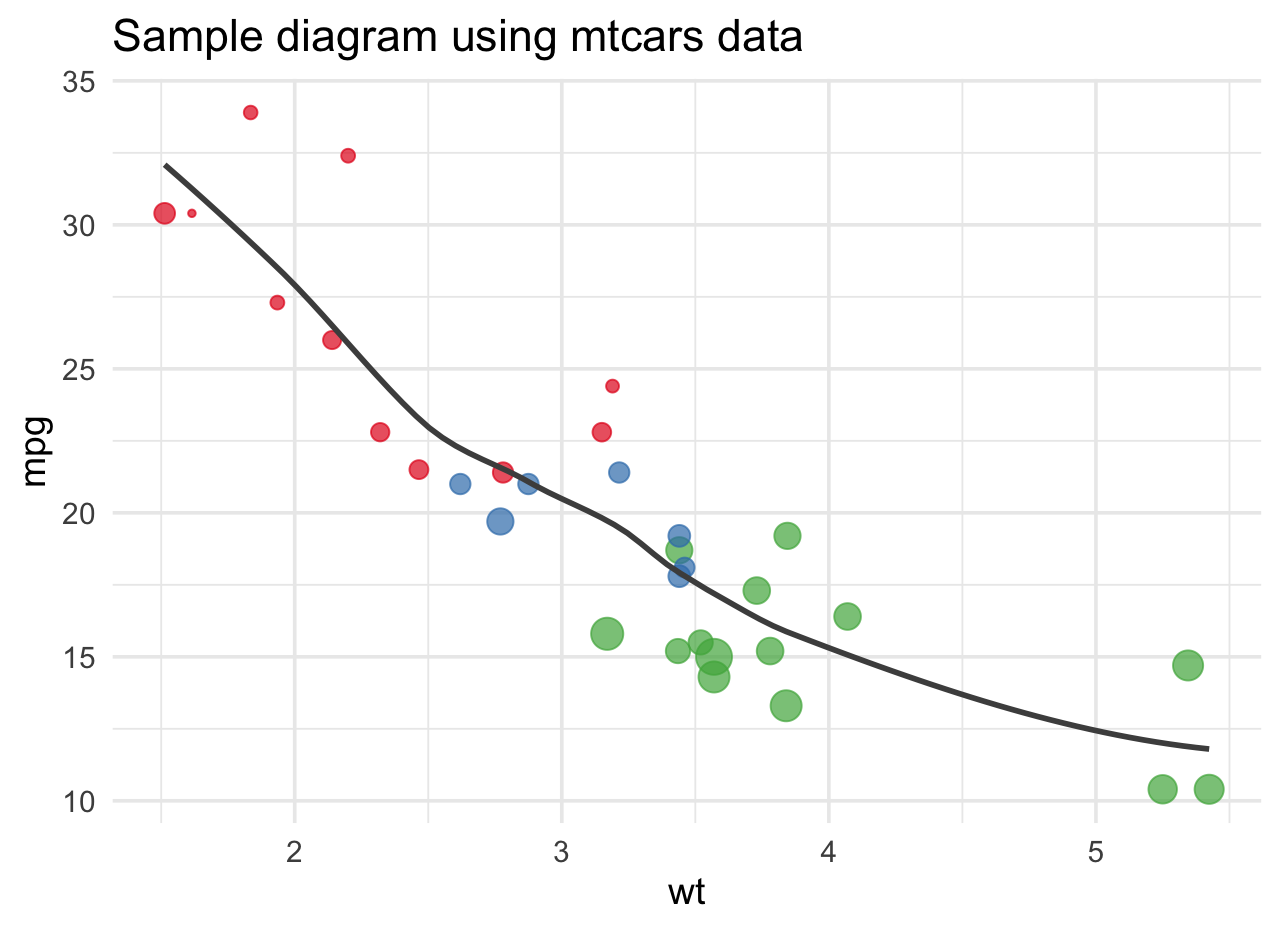
For the purpose of this post, I’m going to focus on lossless WebP. The main reason is its broad adoption, especially for Web publication. All browsers of any significance have been supporting WebP for several years now. As of mid 2025, support for AVIF is decent but not quite as universal (and it doesn’t seem particularly strong for lossless compression anyway). Adoption of JPEG XL, arguably the most advanced of these formats, is far behind. It’s scarcely supported by current browsers.
WebP in R
R’s standard abstraction for graphics output is the graphics device. Code that knows how to work with graphics devices can simply send its data into that interface, with the device implementation converting it to whatever the desired output format may be. R comes with several such devices for PNG, JPEG, SVG, PDF and a few others. It also allows libraries to supply their own. Graphics devices are widely used across R publication workflows, e.g. using knitr, where you can easily configure the output device for a single code chunk or the whole document.
Until recently, there was no such device for WebP. There is an R WebP package to read and write WebP files. The versatile magick package also has support for WebP and recently started providing a graphics device, but it seems that this still requires an additional step for conversion to a specific format.
The current options seem to be:
Stick to PNG. Nothing wrong with that. But you may want to post-process the generated PNGs with a tool like
OxiPNGto cut their size. The savings can be significant, as the default encoding produced by the R devices isn’t that efficient.Use the R WebP package to “manually” write your images to WebP files. Works, but it’s intrusive and repetitive.
Convert the generated PNGs to WebP with a tool like
cwebp. Of course, you then have to fix all the references as well. For Quarto users, I’ve built a Quarto filter extension that does just that. It’s a minimally intrusive addition to your workflow that can be removed easily once it’s no longer needed. It also doesn’t matter how the PNGs are generated. Still, it’s a bit of a workaround, if we’re being honest.Wait until a WebP graphics device for R becomes available. I have no idea if and when this will happen for the base R distribution. I’ve submitted a PR to the ragg project with an initial implementation that may or may not be accepted.Update: The PR to the ragg project has been accepted and WebP support is now available in ragg 1.5.0. This provides a proper graphics device for direct WebP output without requiring conversion from PNG.